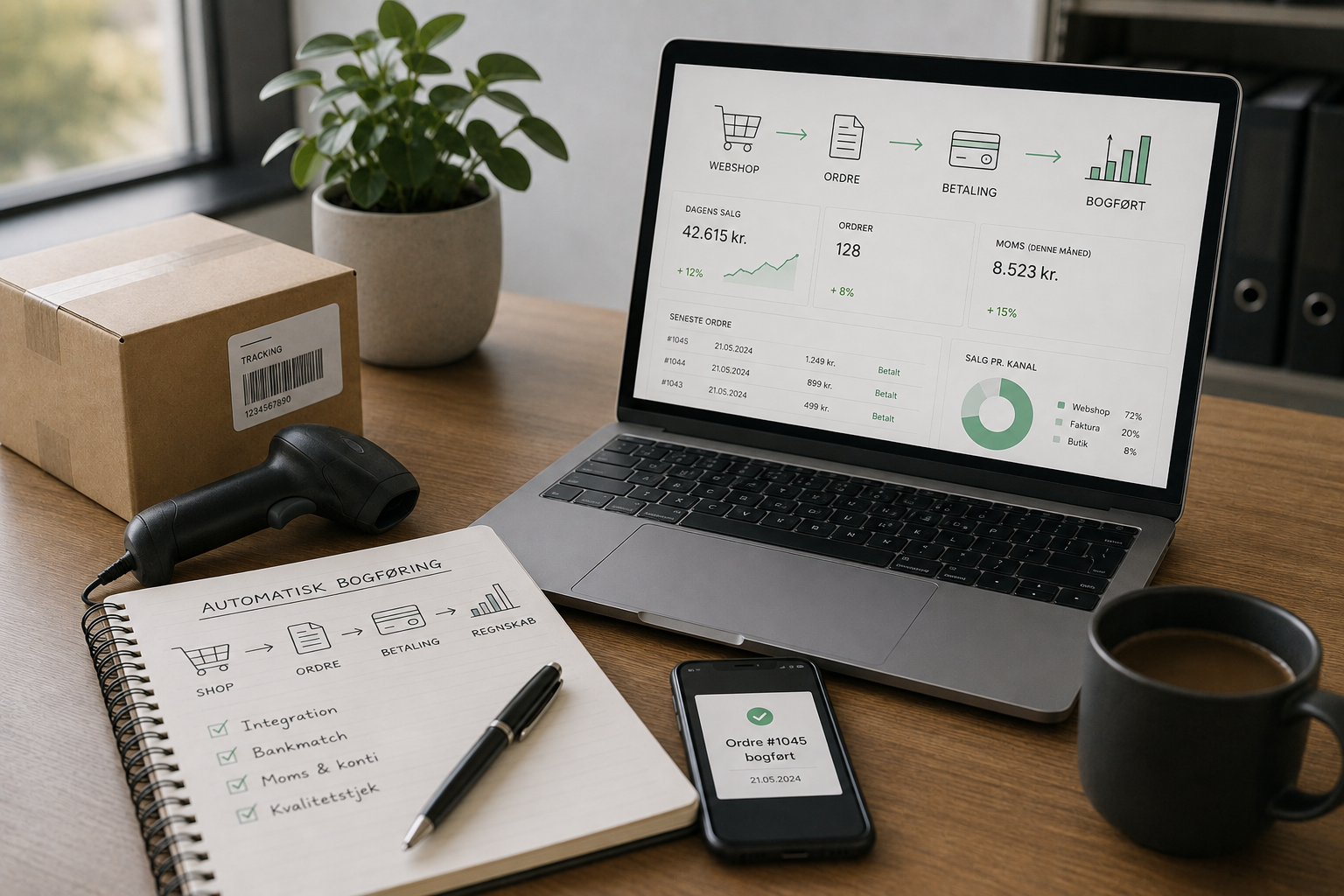




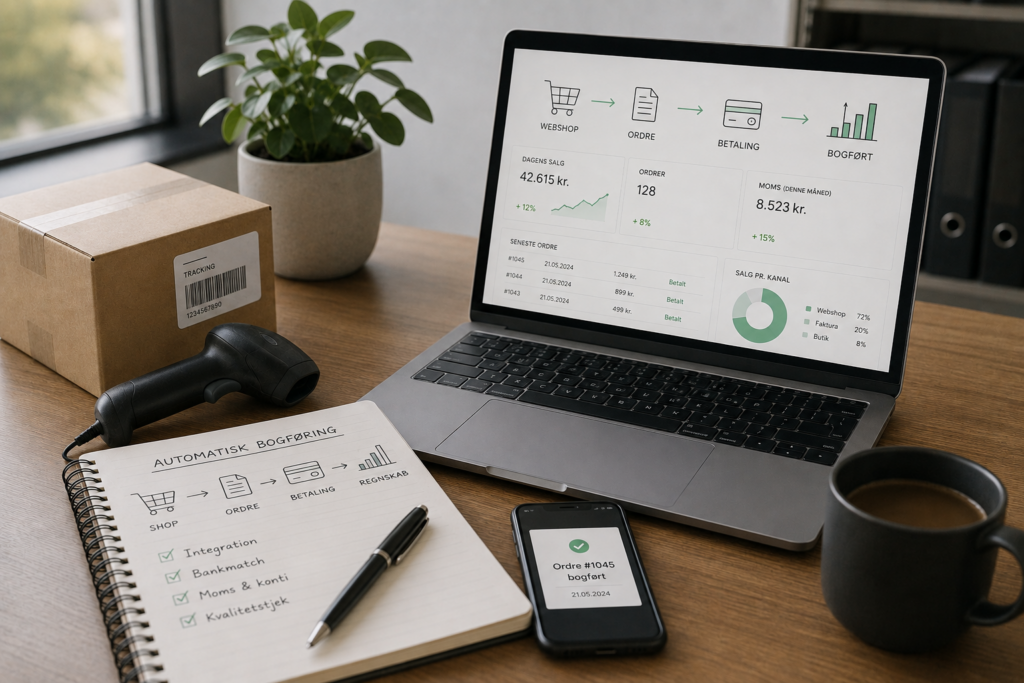
If you sell products through an online store or issue a lot of invoices in your service business, you know how time-consuming it is to manually record each individual sale. With automatic sales posting, orders, invoices, and payments are transferred directly from your online store or invoicing system to your accounting software. At Accountview, we set up the automation, monitor it regularly, and ensure that sales tax and supporting documents are in order. That way, you can spend your time selling more.
What does automated sales accounting involve?
Automated sales posting typically consists of three elements. First, an integration between your online store or invoicing system and your accounting software. Next, a bank integration that matches payments to invoices. Finally, a set of rules that posts revenue, sales tax, and shipping costs to the correct accounts in the chart of accounts.
The most common integrations in Denmark connect e-conomic, Dinero, and Billy with Shopify, WooCommerce, Prestashop, Magento, Storebuddy, and a number of industry-specific solutions. Service companies typically use invoicing modules within the accounting software itself, where subscriptions, project invoices, and payment links are processed automatically.
Benefits You Can Feel in Your Everyday Life
Even a small amount of automation frees up time and reduces the risk of errors. The typical benefits are:
- Fewer hours spent manually entering orders and invoices
- VAT accounting updated in real time as sales occur
- Automatic matching of payments and invoices
- A better overview of the contribution margin per product or customer
- Fewer accounting errors related to refunds, credit memos, and gift cards
If your online store receives 30 orders a day, the time saved alone can amount to several hundred kroner a week when you factor in the time spent by an employee or the owner.
How Accountview Sets Up Automation
We’ll start with a brief needs assessment. How many sales do you make per day, which shopping platform do you use, and how do you accept payments via Stripe, MobilePay Business, Klarna, or a card terminal? Your answers will determine which integration we choose.
We offer:
- Selecting and Setting Up Integration Between the Online Store and Accounting Software
- Chart of Accounts Tailored for an Online Store or Service Business
- Rules for VAT, EU sales, sales to private individuals, and B2B
- Handling Credit Memos, Refunds, and Fees from Payment Providers
- Monthly quality check to verify that data is flowing correctly
You’ll have one dedicated advisor, a fixed price, and a response to 92 percent of all emails within 24 hours. If there are multiple people managing your store, we’ll set up access for both you and us so everyone can keep track of the numbers.
Special Provisions of the New Accounting Act
The Digital Bookkeeping Act requires that bookkeeping be performed in a digital system registered with the Danish Business Authority. The requirement is being phased in gradually for both corporations and sole proprietorships, depending on revenue. Automated sales accounting fits perfectly within the law because receipts are archived digitally and bookkeeping is performed in an approved program. We’ll check which deadline applies to you and make sure you’re ready well in advance.
When does it make the most sense?
An online store that receives more than 20 orders a week quickly reaps the benefits of automation. The same is true for a consulting or SaaS company with recurring invoices, where the system can handle invoicing, follow-ups, and bookkeeping. For very small businesses with just a few sales per month, manual bookkeeping is still an option, but even here, many find it beneficial to set up automation from the start so the process can scale as customers come on board.
Frequently Asked Questions
How are international orders and foreign currencies handled in automated bookkeeping?
Integrations typically convert sales in foreign currencies to Danish kroner based on the current exchange rate. VAT is handled through VAT-exempt EU sales or the OSS scheme for sales to private individuals in EU countries. We’ll set this up based on your store and customer groups so that your bookkeeping complies with the rules, whether the order comes from Sweden, Germany, or the U.S.
What should I do if a customer requests a refund after the amount has been posted as a sale?
A refund is created as a credit memo in the online store and then synchronized with the accounting software. The document is linked to the original order, the sales tax is reversed, and the bank entry is matched to the payment. We set up the rules so that the process occurs without any manual work.
Can I check for myself to see if the automatic system is working properly?
Yes, both accounting software and integration providers offer dashboards where you can view the number of orders, error messages, and synchronizations. We also send a monthly status report with a brief overview of sales, VAT, and error entries, so you always know where the numbers stand.
Would you like automation and an advisor who keeps an eye on quality? Let’s have a quick chat about your online store or invoicing system.